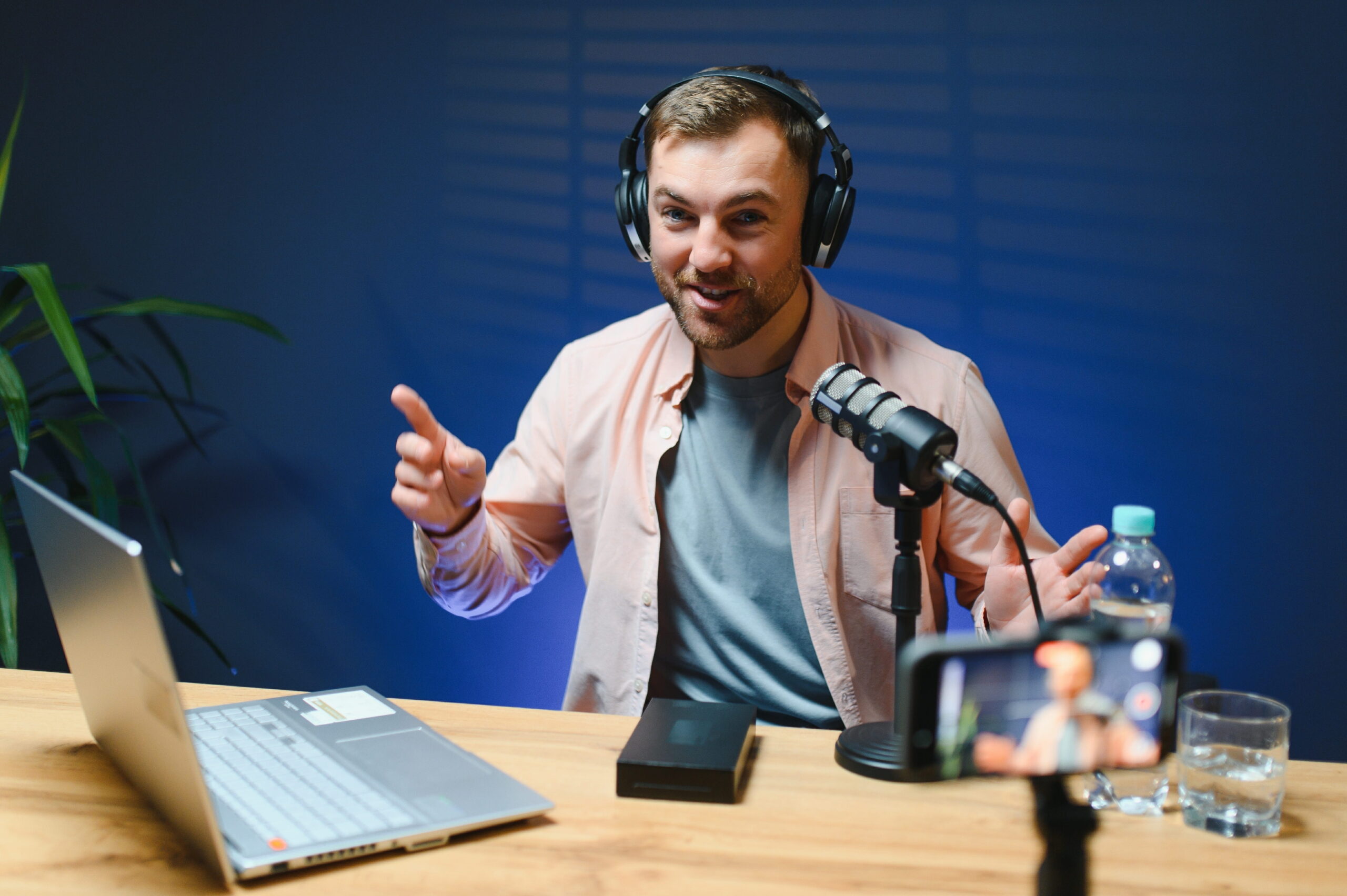
Remote podcast recording is a growing genre of content creation.
You don’t need expensive studio gear and a producer watching levels behind glass. Now? Some of the biggest podcasts in the world are recorded from different cities, countries, and time zones.
At Voice123, where podcasters and audio creators work with professional voice actors every day, we’ve seen how virtual podcast recording has gone from sounding like glitchy Zoom meetings to polished audio.
So, we’re breaking down how to record a podcast remotely with guests, and we’ll discuss the best remote podcast recording workflow for creators in 2026.
What is remote podcast recording?
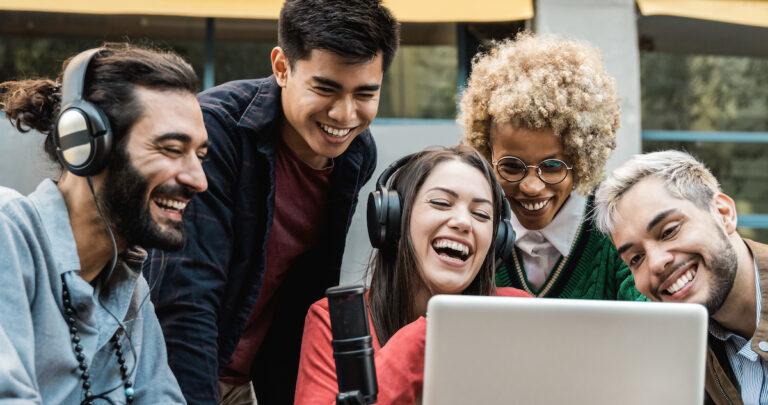
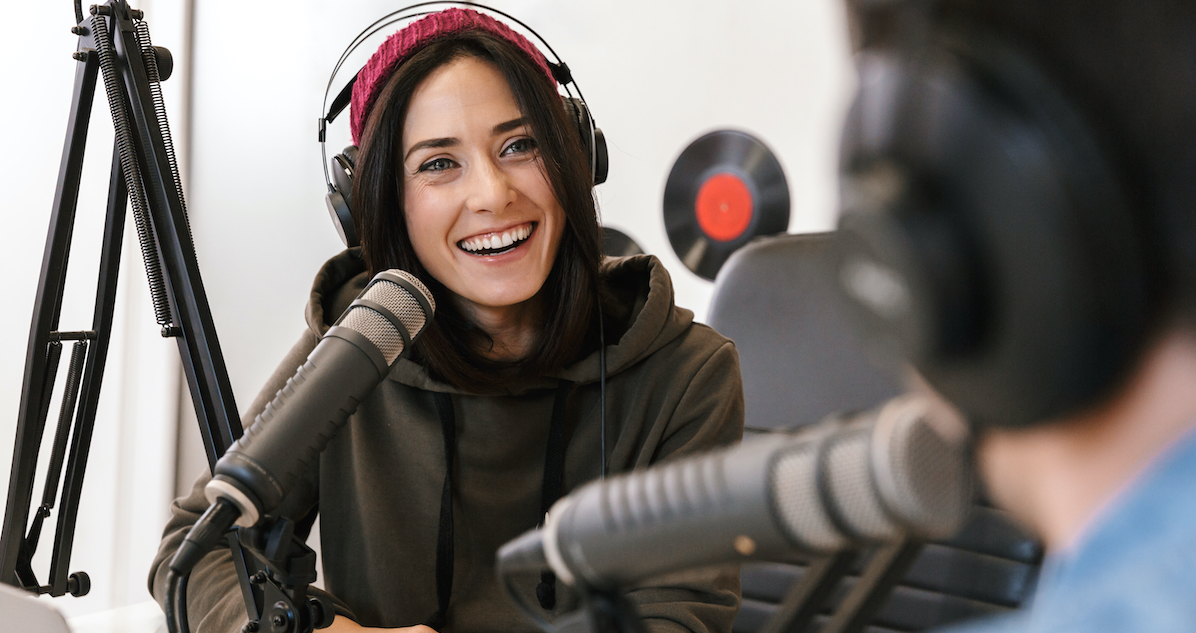
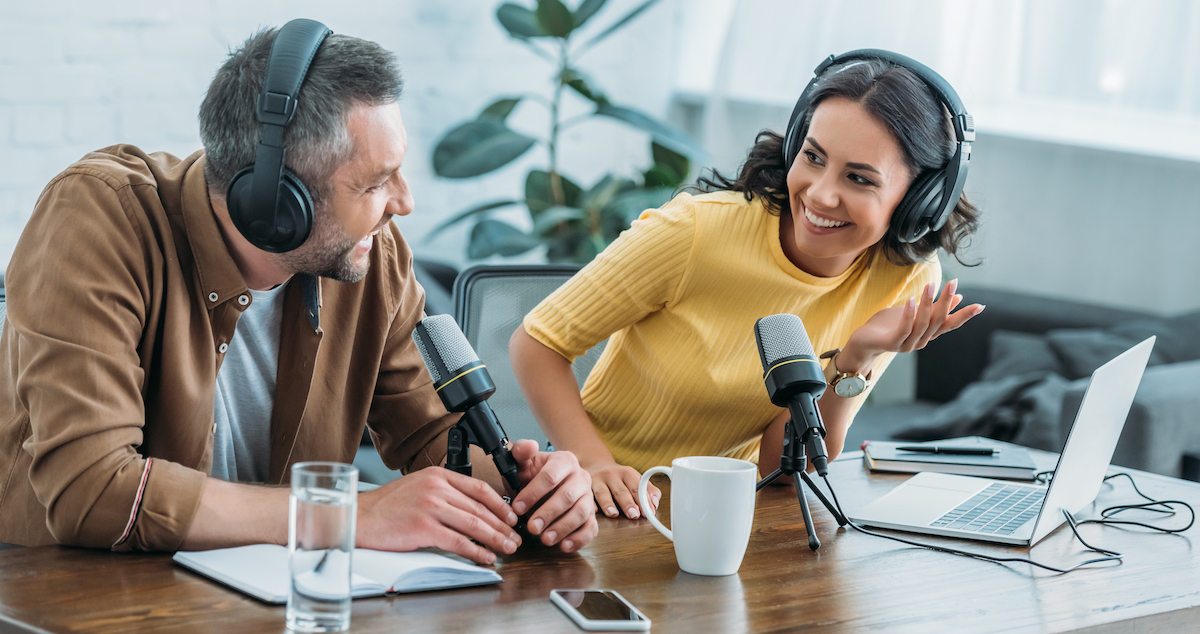
Remote podcast recording is the process of recording podcast conversations with guests or co-hosts located in different cities or countries using online recording platforms and cloud-based audio tools.
Modern remote podcast recording software allows creators to:
- record high-quality audio locally
- capture video remotely
- sync multiple speakers automatically
- store cloud backups
- simplify podcast production workflows
Some of the best remote podcast recording software options include Riverside and SquadCast. We’ll explore these different platforms for virtual podcast recording in more detail later.
Why remote podcast recording became the industry standard
Remote podcast recording exploded because creator culture changed.
Podcasters no longer want to limit guest opportunities based on geography. Remote interviews allow creators to collaborate with experts, celebrities, founders, authors, and creators worldwide without anyone traveling.
But the shift wasn’t only about convenience.
Video podcasts redefined everything.
YouTube podcasts, Spotify video podcasts, livestream clips, Apple Podcasts, and even the Golden Globes now drive podcast discovery more than traditional audio feeds alone.
That means creators need flexible workflows that support remote audiovisual production in a scalable, reliable way. Remote podcast recording software made that possible.
How remote podcast recording actually works
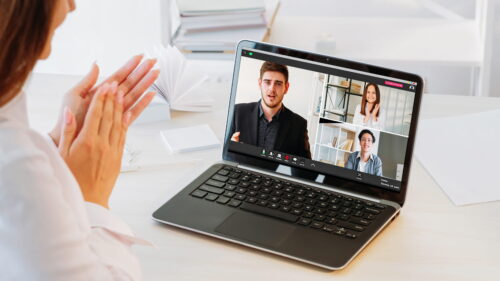
Professional remote podcast recording software usually records each speaker locally on their own device while simultaneously syncing the conversation online. After the recording ends, the platform uploads each local file separately.
Why does this matter?
Because the internet quality fluctuates constantly.
If you only record the live internet feed, audio quality drops immediately when someone’s connection struggles. Local recording avoids that problem because the audio is captured directly from each participant’s computer before it’s affected by internet lag.
But even state-of-the-art software can fail occasionally, so always record backup audio separately just in case.
The best remote podcast recording software
The remote podcast software market is full of different options, but here are some of the top choices for podcast production.
Riverside
Riverside is currently one of the most popular choices for professional remote podcast recording.
It captures high-resolution audio and video directly from each participant’s device instead of relying entirely on internet streaming quality.
The platform also includes transcription, editing, clip generation, and livestreaming features for podcast recording online.
SquadCast
SquadCast provides reliable, clean audio workflows, especially for audio-first podcasts.
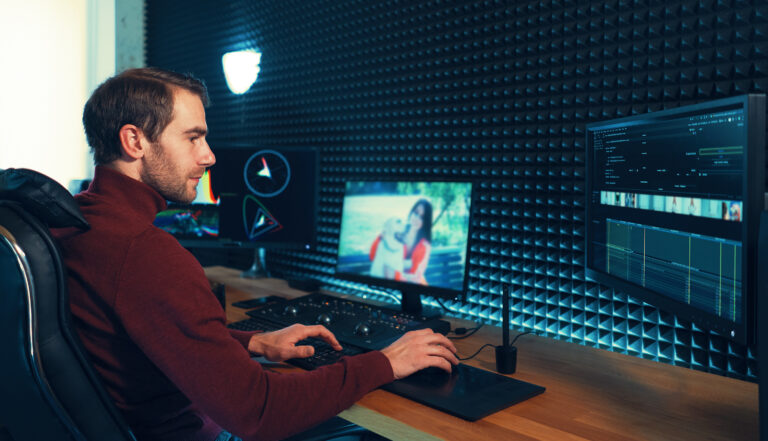
The platform integrates closely with Descript, which helps simplify editing and transcription workflows for creators producing large amounts of content and interview-based podcast production.
Zencastr
Zencastr made remote podcast recording more accessible for beginners.
The platform supports podcast recording online through:
- browser-based recording
- separate audio tracks
- automatic post-production
- cloud storage
Its simplicity makes it easy for creators to learn how to record a podcast remotely for the first time.
StreamYard
StreamYard offers live video production, making it a great option for video podcasts, live interviews, YouTube streaming, and online podcast recording.
Creators prioritizing real-time engagement often prefer StreamYard over traditional audio-first workflows because it allows audience interaction and livestreaming.
Zoom
Zoom isn’t designed specifically for podcasting, but many creators still use it because everyone already understands how it works, and it’s easy to record and download.
However, the downside is audio compression.
Zoom recordings have lower sound quality than those from remote podcast recording platforms. But audio editing tools can help you apply audio leveling and remove background noise, which will improve the overall quality.
How to record a podcast remotely with guests
Guest management is one of the biggest differences between average and professional remote podcasts. A great guest can still sound terrible if they record through laptop speakers in a noisy environment.
That’s why preparation matters.
Professional creators usually send guests a simple prep guide before recording.
- microphone recommendations
- headphone instructions
- internet tips
- recording environment suggestions
- browser setup guidance
The best remote podcast setup for creators
A good remote podcast setup doesn’t necessarily require expensive gear. Here’s a quick overview of the podcast equipment for how to record a podcast remotely with guests.
Microphones
Microphone quality has the biggest impact on audio clarity.
For most remote podcast recording setups, dynamic microphones work best because they reject background noise more effectively than condenser microphones.
Popular podcast microphones include:
Headphones
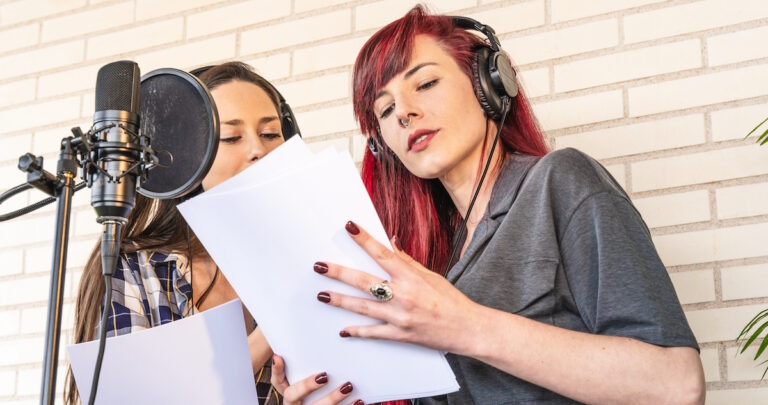
Every participant should wear headphones during recording to prevent the speaker’s audio from bleeding back into the microphones and creating echo. It’s one of the easiest ways to instantly improve remote podcast audio.
Internet connection
Internet stability matters more than raw speed. A wired Ethernet connection is ideal whenever possible. Wi-Fi fluctuations often create video freezes and sync issues during virtual podcast recording sessions.
Recording environment
Don’t underestimate room acoustics.
Even expensive podcast equipment struggles in echo-heavy spaces with bare walls and hard surfaces. Soft furnishings, curtains, rugs, and bookshelves can dramatically improve sound quality.
Before you start recording, take a few minutes to check these important things:
- mic positioning
- volume levels
- background noise
- internet stability
- lighting for video podcasts
Remote podcast recording for video podcasts
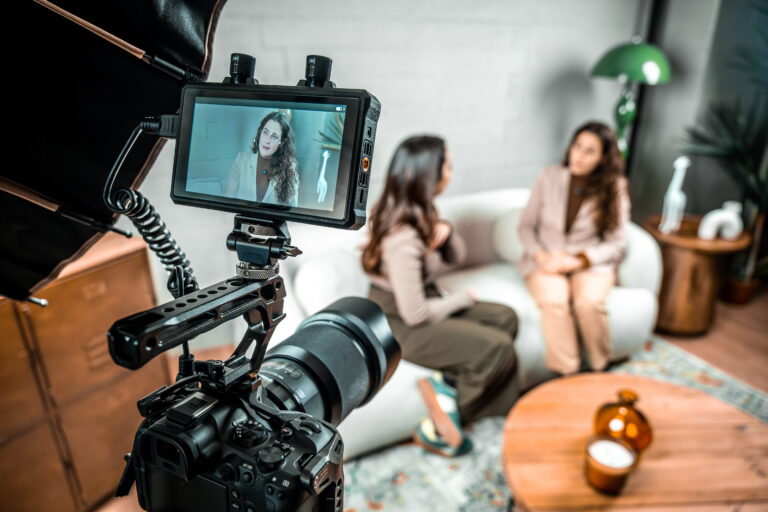
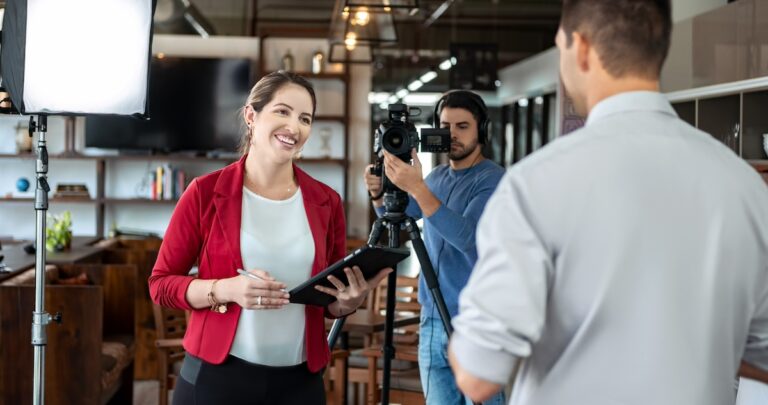
Video podcasting has become one of the biggest shifts in creator culture. More podcasters now think visually because clips drive discovery across social media, LinkedIn, and even Spotify.
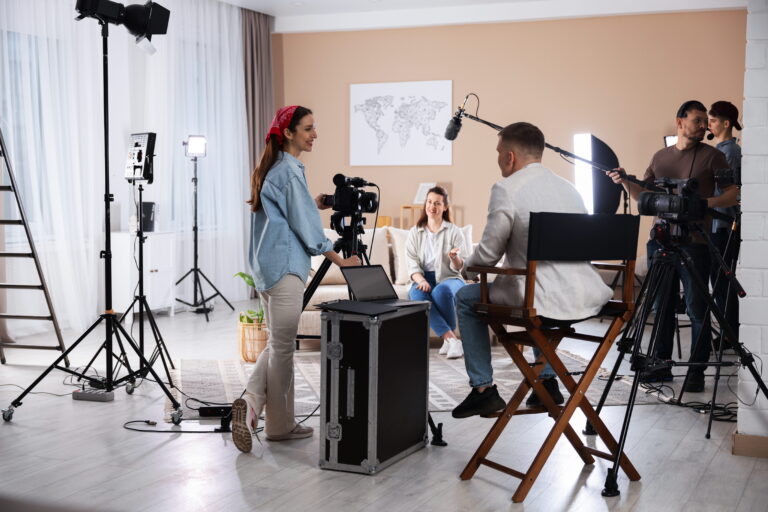
A strong video podcast setup doesn’t necessarily require cinematic cameras. Good lighting and stable framing usually matter more than expensive podcast equipment.
How professional podcasters get better remote audio
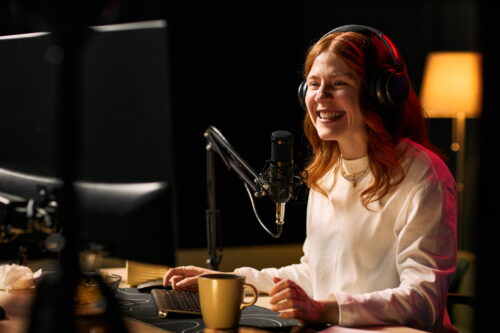
Professional creators don’t just rely on software; they also prioritize consistency.
That includes:
- mic positioning
- vocal pacing
- guest preparation
- room acoustics
- backup workflows
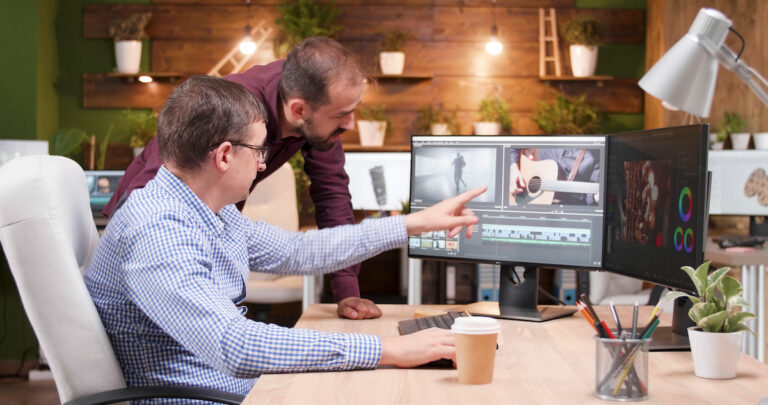
- post-production cleanup
Creators also combine online podcast recording with broader audio storytelling strategies, including trailers, branded segments, YouTube clips, and captivating podcast intros.
Many creators also work with professional voice actors on Voice123 for podcast intros, branded storytelling, ad reads, trailers, and cinematic audio production. Because even in remote podcast recording, a strong voice still creates an emotional connection.
Final thoughts
With the right podcast recording setup, creators can produce studio-quality conversations from almost anywhere in the world. But remote podcast recording depends on reliable recording platforms, thoughtful editing, and consistent production workflows.
Need a professional voice for your podcast intro, branded segment, trailer, or ad read? Voice123 can help you find experienced voice actors for podcasts, or use Voice123 Enterprise to get complete audio production.
FAQs
Remote podcast recording is the process of recording podcast conversations online with guests or co-hosts who are in different locations, using internet-based recording platforms.
Some of the best software options include Riverside, SquadCast, Zencastr, StreamYard, and Zoom, but the best online podcast recording method depends on your project and audio quality needs.
To record a podcast remotely, creators use online podcast recording software that captures local audio from each participant and syncs the conversation over the internet.
The best way to record a podcast remotely with guests is to use the right software, prepare guests beforehand, use headphones, and local backup audio.
Yes. With good microphones, proper recording environments, reliable internet, and strong editing workflows, remote podcasts can sound nearly identical to studio recordings.
A basic setup usually includes a microphone, headphones, a stable internet connection, recording software, and a quiet space.