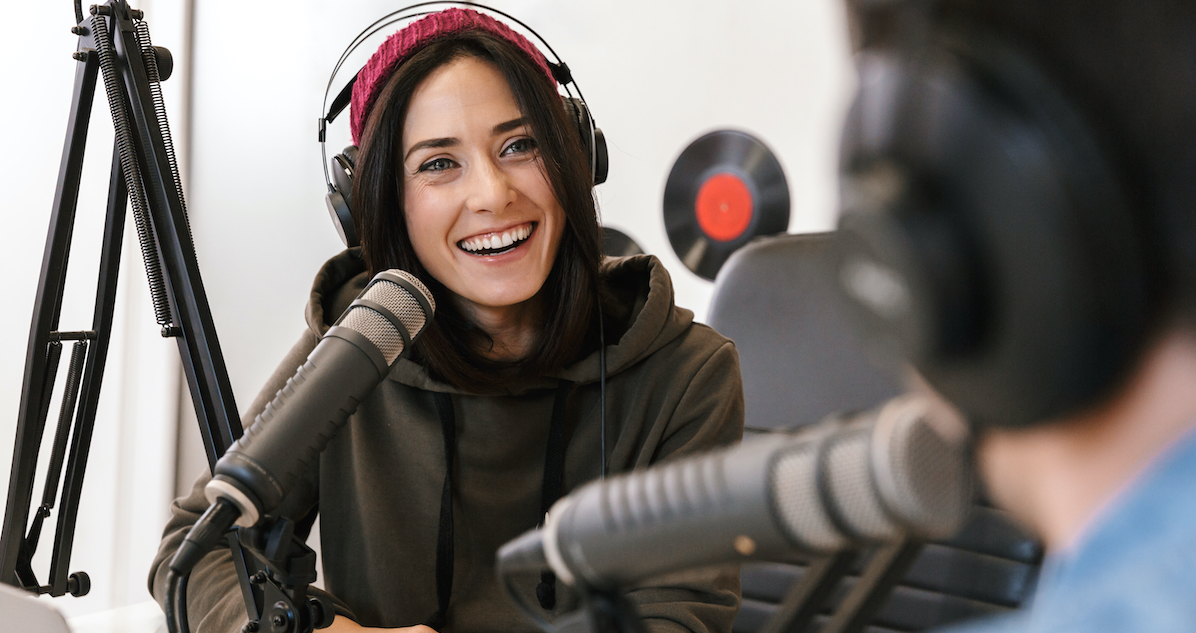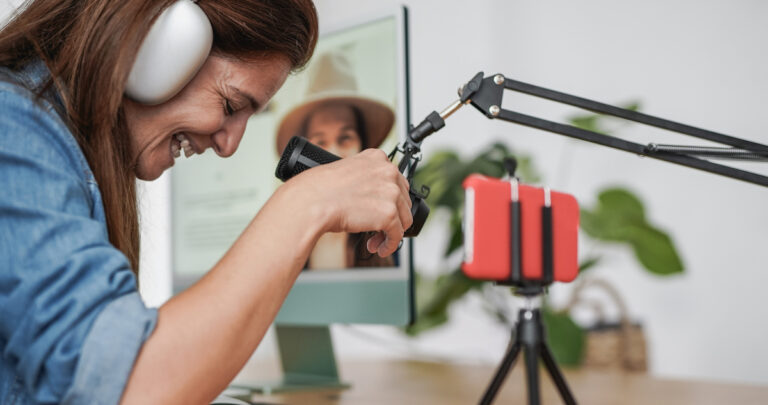

With more than 1.5 billion active users, TikTok isn’t just a social app — it’s a creative stage for businesses, influencers, and content creators. From short product promos to film teasers, knowing how to do a voice over on TikTok can take your videos from ordinary to scroll-stopping.
At Voice123 — the most trusted voice-over network — you’ll find professional TikTok voice actors ready to help you craft a unique sound. Whether you’re narrating a story, adding tutorials, or using TikTok text-to-speech, this guide shows you how to do a voiceover on TikTok from start to finish.
What is a TikTok voice over?
A TikTok voice over is an audio recording that you add to your video for narration, commentary, or even character dialogue. Learning how to do a voice over on TikTok lets you personalize your videos and grab your audience’s attention.
A TikTok recording isn’t limited to your own audio — you can also use text-to-speech TikTok tools to create effects and enhance storytelling. From funny chipmunk tones to clean, cinematic narration, the platform gives you all the tools to get creative.
How to do a voice over on TikTok
How to do a voice over on TikTok
Here’s how to add a voice over on TikTok in just a few taps:
- Open TikTok and tap the “+” button at the bottom of your screen.
- Record a video or upload one from your gallery.
- Tap the checkmark to move to the editing screen.
- On the right side, tap the microphone icon labeled “Voiceover.”
- Choose whether to keep or mute the original video sound.
- Press and hold Record to start your TikTok voice. Release when you’re done.
- Use TikTok voice effects like chipmunk, baritone, or echo if you want to add personality.
- Tap Save, then Next to post or schedule your video.
For consistent quality, record your video voice over in a quiet space or use a small external mic. You don’t need a full studio — clear sound can make your audio more engaging.
How to edit a TikTok voice over
Editing helps you refine the audio once you’ve added it. Here’s how:
- Tap Edit and use the scissors icon to trim or adjust timing.
- Tap the Music Note icon to replace or add background sound.
- Use the Text (Aa) option to overlay words, captions, or lyrics.
- Adjust volumes for your video voice over and background track separately.
Editing gives your content that pro-level polish. But if you want a cinematic touch, hire a skilled voice actor on Voice123 — they can record in multiple tones and accents to fit your brand’s personality.
How to add a voice over on TikTok with text-to-speech
If you prefer not to record your own voice, TikTok’s text-to-speech feature is your best friend. It converts written text into an AI-generated TikTok voice over that automatically syncs with your captions.
Here’s how to do text-to-speech on TikTok:
- Record or upload your video.
- Tap the Text (Aa) button on the editing screen.
- Type your caption or narration.
- Tap the Text-to-Speech icon.
- Preview your audio, then tap Done to save.
You can even mix multiple text-to-speech TikTok boxes throughout your video for dynamic storytelling. For example, alternate between narration and character voices to keep your audience engaged.
How to add a sound to TikTok
Sound is one of the most powerful storytelling tools on the platform. Here’s how to add a sound to TikTok to complement your voice overs:
- Tap the “+” icon to create or upload a video.
- Tap Add Sound at the top of the screen.
- Browse trending or custom sounds — or tap My Sound to upload your own.
- Adjust volume levels to balance the background music with your video voice over.
You can even upload your own voice clip if you want a completely unique audio experience. That’s how to upload a sound to TikTok — perfect for brand jingles, product promos, or funny skits.
If you want next-level clarity or a character-style tone, you can hire a pro voice actor on Voice123 to record the perfect video voice for your project.
How to use TikTok voice effects
TikTok’s built-in voice effects transform simple audio into entertaining, stylized clips. Once you’ve recorded your audio, you can tap Voice Effects and choose from options like:
- Chipmunk
- Robot
- Baritone
- Echo
- Electronic
Experimenting with these filters gives your content personality — and makes your audience more likely to engage. It’s one of the easiest ways to elevate your video voice and keep people watching.
How to make TikTok voice over videos in 5 steps
1. Establish your goal
Once you’ve decided on the goal of your video campaign, you can focus on how you will measure your success. For example, maybe your video gets 10k views – that’s great! But were you actually hoping for 100 clicks on your website link? So, define your goals, which can help you better analyze your video’s success.
2. Plan your story
Create a storyboard, choose the right visuals, and remember that you need to channel your brand’s theme, tone, and color. This is why it’s vital to know your target audience to plan the right story with the best voice overs to grab their attention.
3. Create a unique script
While eye-catching visuals can reel in a user, engaging voice overs are what keep the person’s attention. Make your script relatable so that the user gels with the story. Choosing the right words for your audio can help you focus on better branding and word association.
4. Hire a professional voice actor
Anyone can read a script, but a professional can help bring it to life! So, never underestimate the power TikTok voice overs can have in your videos, especially when they’re a hit! Besides, finding a pro voice actor is as easy as Voice-1-2-3!
5. Add your TikTok voice over
Add your TikTok voice over in a few minutes using the steps in our guide – it’s that easy! There’s also a delete feature, re-record options, sound filters, and the option to record multiple voice overs at different time frames.
Final thoughts

Now you know exactly how to do a voice over on TikTok! Whether you’re showcasing a product, promoting your brand, or just having fun, mastering the TikTok voice over feature can give your videos a professional edge.
If you’re ready to sound like a pro, connect with experienced voice actors on Voice123 and add creativity, clarity, and confidence to your next TikTok video voice over today!
FAQs
Record or upload a video, then tap the microphone icon labeled “Voiceover” on the editing screen. Hold the record button to capture your audio, then press Save.
After recording, select Voice Effects on the editing screen. Choose effects like chipmunk, baritone, or robot, and preview how your video voice sounds before posting.
Tap Add Sound during editing to mix a song, sound clip, or custom upload and adjust the volume for balance.
Not necessarily. The built-in phone mic works fine, but for cleaner audio, consider using an external mic or hiring a professional TikTok voice actor from Voice123.