Learning how to start a podcast on Apple is one of the smartest moves podcasters can make. Why?
Because podcasting has officially gone mainstream. And 15% of podcast listeners in the U.S use Apple Podcasts every day, looking for something new to hear.
At Voice123, where you can hire professional voice actors, we’ve seen an increase in podcasts in 2026.
In this post, we’ll explore how to start a podcast on Apple Podcasts, and we’ll share tips on Apple Podcasts for creators.
How to start a podcast on Apple
To start a podcast on Apple Podcasts, you need to:
- Choose your podcast topic and format
- Record and edit your episodes
- Pick a podcast hosting platform
- Create an Apple Podcast Connect account
- Submit your RSS feed to Apple Podcasts
Once your podcast is approved, it will be available in the Apple Podcasts app for listeners worldwide.
Why should you use Apple Podcasts?
Many podcast listeners still use Apple Podcasts as their primary listening platform because it’s built directly into iPhones, iPads, Macs, and CarPlay systems.
That gives creators instant access to millions of potential listeners.
Apple Podcasts also influences podcast visibility across the internet.
A strong launch on Apple Podcasts can help your show appear in search results, podcast recommendation engines, and “Top Charts” categories.
That’s why understanding how to start a podcast on Apple Podcasts can make a major difference in long-term growth.
Here’s how to start a podcast on Apple Podcasts in 5 steps.
Step 1: Topic Choice
Before you worry about podcasting microphones or Apple Podcast setup tools, you need a strong podcast idea.
The best podcasts of 2026 are usually focused on one clear audience or topic.
Instead of launching a generic “business podcast,” narrow the focus.
Specificity helps listeners instantly decide whether your podcast is for them and improves your ranking in Apple’s search algorithm.
If someone searches “AI marketing podcast,” Apple Podcasts is more likely to return a show with clear keywords in the title and description.
Choose the correct format
Your format shapes how easy it will be to produce your podcast consistently.
Some popular options include:
1. Solo podcasts are great for thought leadership and personal branding.
2. Interview podcasts help you borrow audiences from guests.
3. Narrative podcasts work well for storytelling and documentaries.
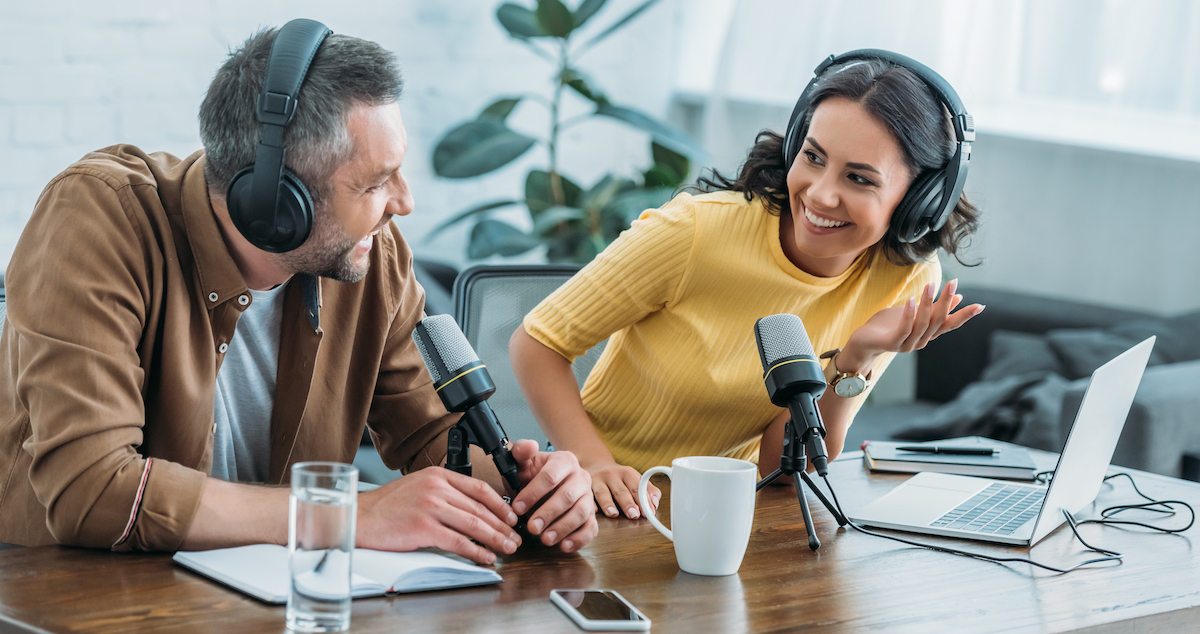
4. Roundtable podcasts create dynamic conversations between multiple hosts.
Name your podcast strategically
Podcast names matter more than people realize.
The best podcast names are:
- Searchable
- Easy to pronounce
- Memorable
- Clear about the topic
A listener should instantly know what your show is about within two seconds.
Step 2: Get the right Apple Podcast setup
One of the biggest myths about podcasting is that you need expensive gear.
You don’t.
You can absolutely learn how to start a podcast on Apple for free or on a very small budget.
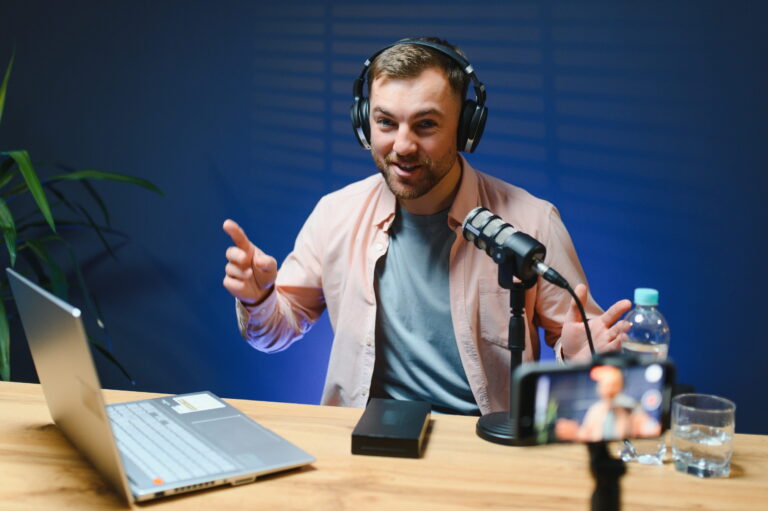
Here’s what you’ll need for an Apple Podcast setup:
- Microphone
- Headphones
- Recording software
- Quiet recording space
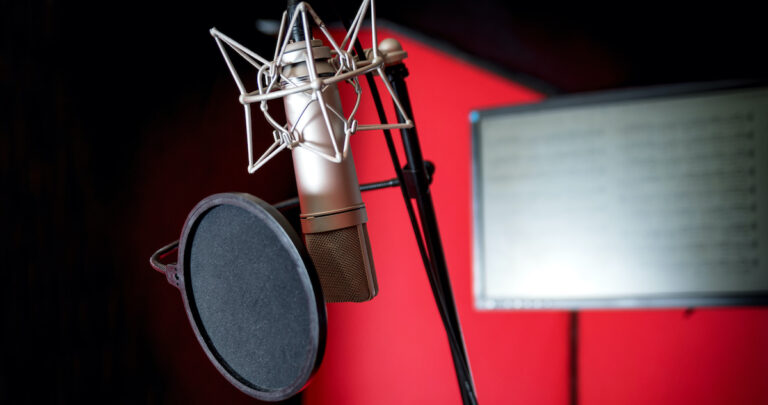
Podcast microphones
Learning how to start a podcast on Apple Podcasts depends on the right microphone that sounds professional without requiring complicated studio equipment.
Audio branding
Professional intros, trailers, and transitions immediately make your podcast feel more credible.
That’s why successful podcasts often use custom voice overs and branded intros from day one.
Need a polished intro voice, trailer narration, or branded podcast audio? Voice123 can help you find experienced podcast voice actors who can instantly elevate your show.
Step 3: Record and edit your first episode
Create a structure for the Apple Podcasts app
A basic structure keeps episodes engaging and easier to edit.
A simple flow could look like:
- Intro
- Main topic
- Key takeaways
- Call to action
- Outro
This helps listeners stay engaged instead of feeling lost in rambling conversations.
Use the right audio editing tools
You don’t need Hollywood-level audio editing software. Some beginner-friendly tools include:
Descript is especially popular because it lets creators edit audio like a text document with an intuitive interface.
Step 4: Choose a podcast hosting platform
It’s important to note that Apple Podcasts does not actually host your audio files.
Instead, you upload episodes to a podcast hosting platform that generates an RSS feed. Apple Podcasts then pulls your episodes from that feed.
Best podcast hosting platforms
Some beginner-friendly podcast hosts include:
These platforms simplify podcast distribution and automatically generate the RSS feed needed for Apple Podcast setup.
How to start a podcast on Apple with the right host
Good podcast hosts should offer:
- Easy episode uploads
- Podcast analytics
- Distribution tools
- Monetization options
- Reliable uptime
As you grow your show, analytics become incredibly valuable because your listener data helps shape future content.
Step 5: Submit your podcast to Apple Podcasts
Once your podcast is ready and hosted, you’ll need to submit your show using Apple Podcast Connect.
What is Apple Podcast Connect?
Apple Podcast Connect is Apple’s platform for managing podcasts.
It allows creators to:
- Submit podcasts
- Monitor analytics
- Update show details
- Manage subscriptions
- Track performance
If you want to know how to start a podcast on Apple Podcasts, this is the platform you’ll use most.
How to submit on Apple Podcast Connect
Here’s the simplified process on Apple Podcasts for Creators:
- Create an Apple ID
- Log into Apple Podcast Connect
- Copy your RSS feed from your podcast host
- Paste the RSS feed into Apple Podcast Connect
- Verify your podcast information
- Submit for review
Once approved, your show appears inside the Apple Podcasts app.
Approval usually starts at 24 hours, but it may take up to several days.
Optimize your podcast listing
Your Apple Podcasts listing serves as SEO for podcasting, which can improve discoverability.
Focus on:
- Clear podcast descriptions
- Searchable keywords
- Strong cover artwork
- Relevant categories
- Compelling episode titles
If your title says:
“Episode 4 — Thoughts”
Nobody will know what the episode is about.
But if your episode is:
“How AI Tools Are Changing Marketing in 2026”
Now you’ve created curiosity, which leads to clicks.
How to launch a podcast with Apple Podcasts
Now that you know how to use Apple Podcasts, you need to learn how to launch a podcast.
Quick Tip: Launch with at least 3 episodes.
Why?
Because listeners who enjoy one episode immediately want more.
Multiple episodes increase binge listening and improve retention.
Promote your podcast everywhere
Learning how to launch a podcast successfully also means thinking beyond Apple Podcasts. Use:
Podcast growth today is heavily driven by short-form video content, especially when it’s used to promote video podcasts.
This multiplies your reach without constantly having to create new ideas from scratch.
Can you start a podcast on Apple for free?
Yes, learning how to start a podcast on Apple for free involves using:
- Free editing software
- Free recording tools
- Budget microphones
- Free hosting plans
However, free plans usually come with limitations like storage caps or limited analytics.
Still, they’re perfectly fine for beginners testing ideas, and you can upgrade your subscription as your following grows to access more features.
Here are a few more frequently asked questions about Apple Podcasts:
Is Apple Podcasts free?
Yes. Apple does not charge creators to upload podcasts through Apple Podcast Connect.
Do you have to pay for Apple Podcasts?
Listeners can use Apple Podcasts for free, although some premium shows require a subscription.
Creators do not pay Apple to distribute regular podcasts.
So if you’re a creator wondering:
“Do you have to pay for Apple Podcasts?”
The answer is no for standard podcast publishing. However, you will have to pay a subscription fee on the podcast hosting platform you choose.
Final Thoughts
Learning how to start a podcast on Apple is much simpler than it used to be.
Apple Podcasts remains one of the most important platforms for podcast discovery because your audience is ready to listen.
Now it’s time to give them something worth hearing.
Need a professional podcast intro, trailer voice, branded narration, or ad read? Voice123 helps creators cast experienced voice actors for audio projects. Post your next project today or use Voice123 Enterprise for complete project management.
FAQs
You can start a podcast on Apple Podcasts for a few hundred dollars with beginner-level equipment and affordable hosting. Many creators even start for free using basic tools and free hosting plans.
Yes. Anyone can start a podcast on Apple Podcasts by creating a podcast, uploading episodes to a hosting provider, and submitting the RSS feed through Apple Podcast Connect.
Apple Podcasts for creators is free, and Apple does not charge creators to upload standard podcasts to the platform.
A podcast with 5,000 listeners can make between $1000 and $2000 a month, depending on sponsorships, niche, audience engagement, and monetization methods.