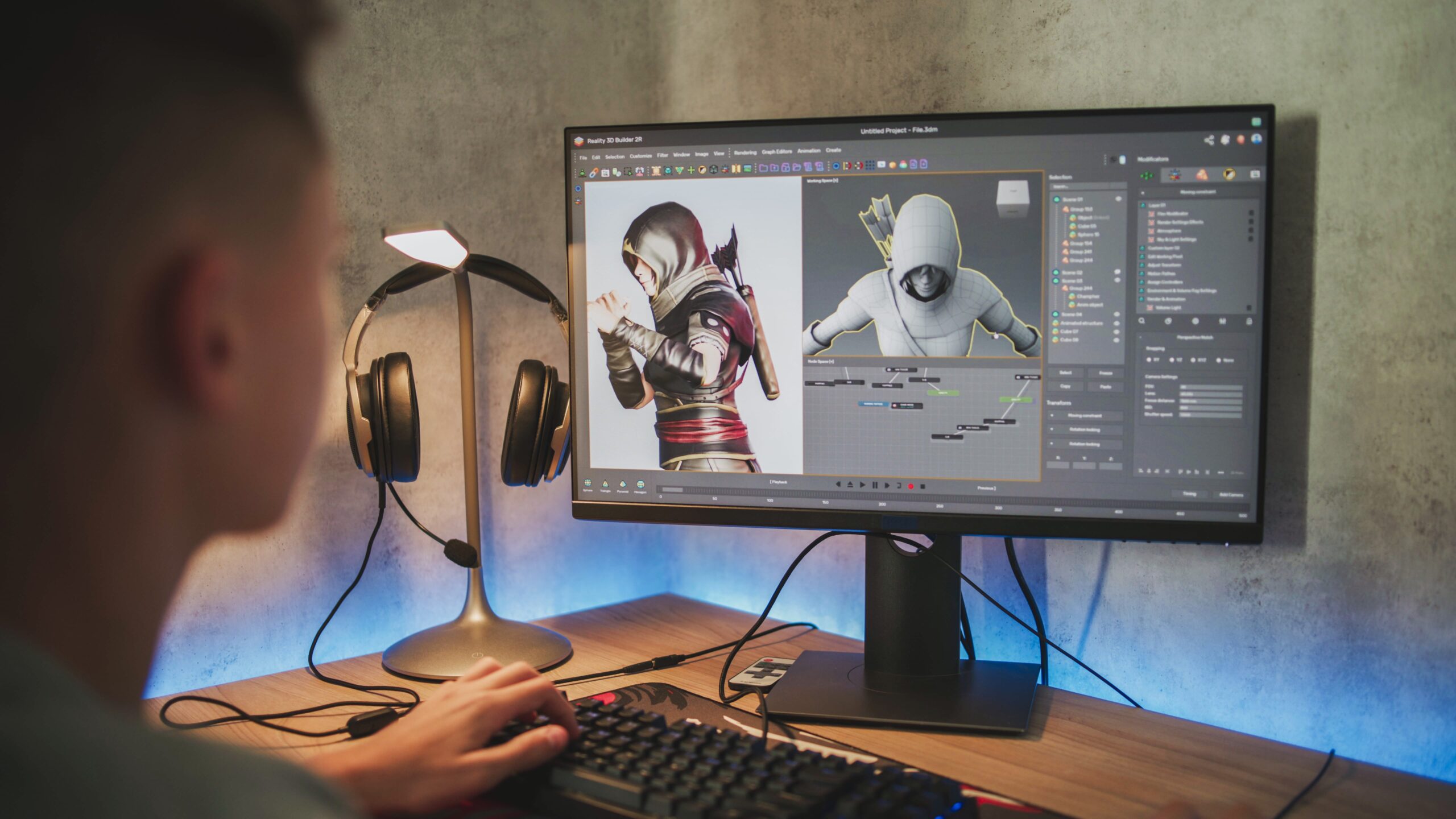
Whether you’re crafting an animation film, a social media commercial, or a video game, knowing how to animate is the key to bringing visuals to life.
At Voice123, the largest, most trusted voice over network, we’ve helped directors and producers find talented voice actors to bring animated characters to life.
Today, we’re breaking down what is animation, what is the best animation software, how to animate in different software, and how to make an animation that captivates audiences.
What is animation?
Animation is the process of creating the illusion of movement through sequential images by using the principles of animation, such as squash and stretch, anticipation, timing, and secondary action. However, in recent years, the animation process has evolved into a comprehensive creative pipeline encompassing design, lighting, motion, sound, and performance.
From explainer videos to video games and short-form video ads, every medium has a distinct strategy for incorporating animation. Here’s a quick breakdown of how to animate, outlining the key steps involved in the process.
How to animate
1. Start with the concept
Everything begins with a strong story idea, a clear visual tone, and a distinctive animation style. You want to define your creative direction early so that the entire animation process feels cohesive from the first sketch to the final render.
2. Storyboard with animated drawings
Your project needs animated drawings, props, or 3D assets, and this is where character designers shine. Many creators use storyboards to streamline how to animate a drawing into a professional-looking sequence later.
3. Block the movement
Blocking is a cinematography technique that involves mapping out the major poses and timing, which sets the foundation for natural movement. This step focuses on storytelling beats rather than fine detail — think: “Where does the character look? How do they react?”
4. Add details and motion
Refine facial expressions, gestures, clothing movement, or environmental effects. Secondary motion involves adding subtle movements like hair swaying or props shifting, which makes your scene feel more grounded.
5. Sync with voice overs
A compelling performance from a voice actor is often the driving force behind character animation. Strong voice acting informs timing, attitude, and even micro-expressions, which makes the animation process smoother and more authentic.
How to animate with different software
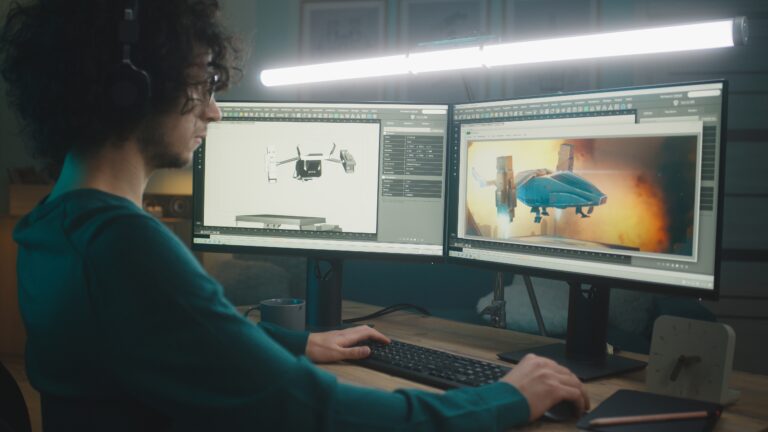
If you’ve ever wondered, “What is the best animation software?” It’s essential to remember that every director and animator has their own preferred tool that works best for them. Here’s a quick overview of how to use some of the most popular animation software.
How to animate in Blender
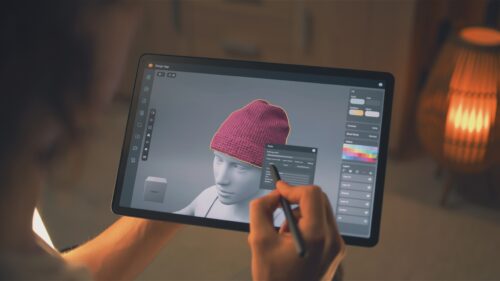
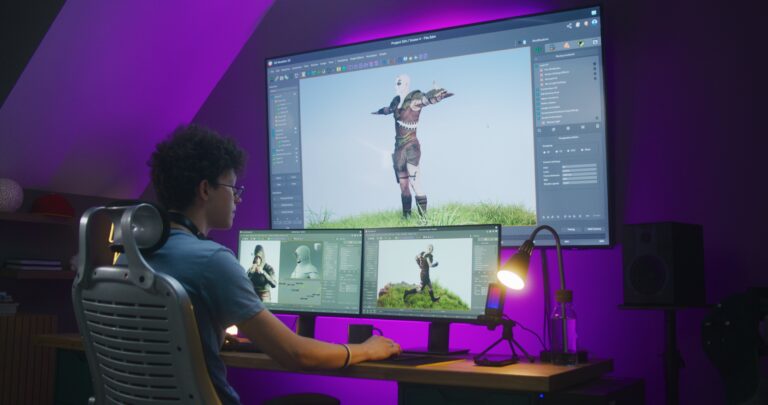
Blender gives you complete control over 3D rigs, physics, lighting, and even 2D animation.
- Build or import rigs
- Keyframe major poses
- Add interpolation for natural movement
- Use the Dope Sheet & Graph Editor for timing control
- Render with Eevee or Cycles
It’s especially powerful for those who want to animate a video that blends cinematic shots with stylized character motion.
How to animate on Procreate
Procreate is ideal for lightweight story animations, animatics, or social-friendly loops.
- Activate Animation Assist
- Set your frame rate
- Draw frame-by-frame
- Export as MP4 or GIF
Knowing how to animate on Procreate is especially useful for directors who want hand-drawn authenticity and quick iteration.
How to animate in Krita
Krita’s onion-skinning and timeline tools make it a strong alternative for traditional 2D animators.
- Create layered drawings
- Use onion skins for frame guidance
- Keyframe or draw frame-by-frame
- Export sequences or full animation files
If you’re exploring how to make an animation without heavy software costs, learning how to animate in Krita is a crucial skill.
Adobe Character Animator
The Adobe Character Animator software animates characters through live facial and voice performance.
- Import vector artwork
- Define face/limb behaviors
- Use webcam + microphone to capture movement
- Auto-lip-sync with your voice-over
It’s one of the fastest methods for creating expressive characters for commercials, explainers, or social content — especially when timing needs to align perfectly with a voice actor’s performance.
How to animate a drawing into a complete video
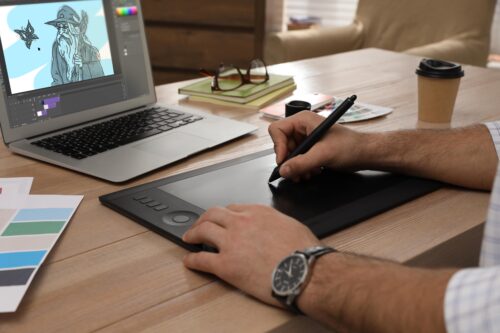
If you’re learning how to animate a drawing, here’s a quick breakdown of the process:
- Import your illustrated character
- Rig or separate layers
- Add mouth shapes and movements for lip-sync)
- Apply movement through keyframes
- Export as MP4, ProRes, or PNG sequence
- Add sound design and voice over
How to animate different audiovisual projects
1. Films
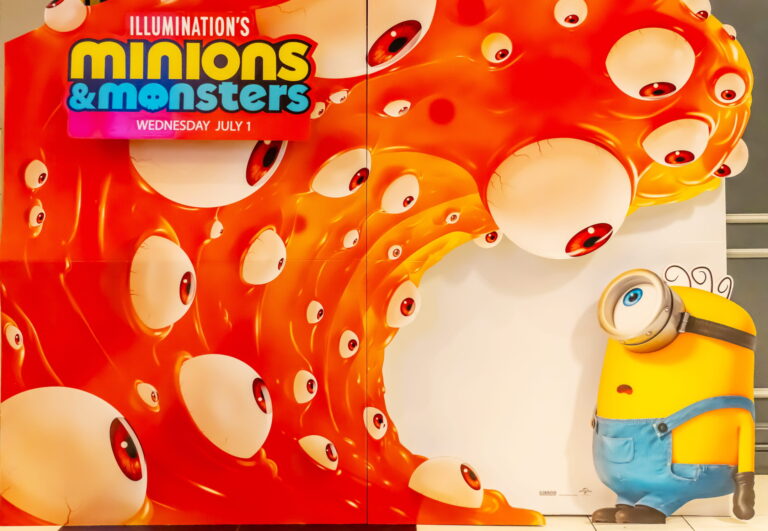
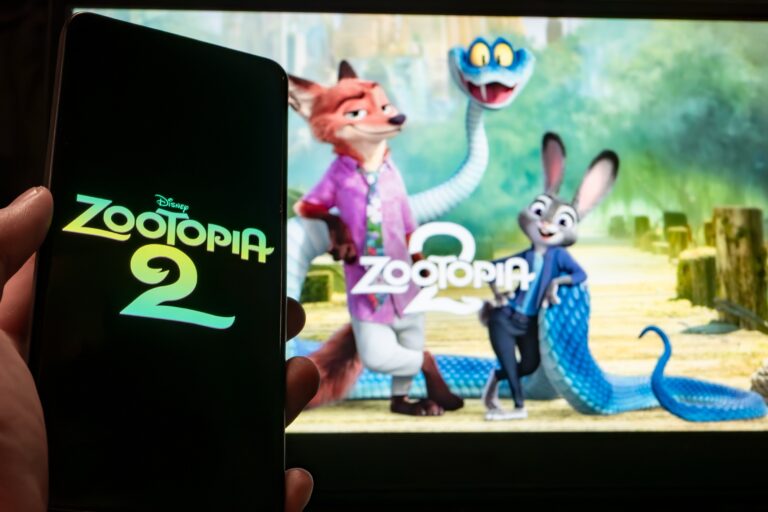
Animated films like Zootopia 2 prioritize emotional clarity, cinematic pacing, and polished movement. This often means longer production cycles, during which animators refine micro-expressions and realistic motion arcs. The goal is immersion. Animated characters should feel expressive enough to carry the story and theme with minimal explanation.
2. Video Games
Video game characters require responsiveness, fluid loops, and adaptability to gameplay mechanics. Animators create idle poses, attack cycles, traversal movements, and cutscene animations that react to player input. Because of this interactivity, timing and performance must remain clear even when movement is fast or repetitive.
3. Commercials
Commercials focus on clarity, speed, and visual punch. Directors want viewers to understand the message within seconds, so animation needs strong shapes, bold timing, and instantly readable motion. Syncing animation tightly with a voice-over script ensures your message lands even in fast-paced or short-form ad formats.
4. Social Media
Social platforms thrive on fast, loopable animations that hook viewers immediately. This means prioritizing bold transitions and simple compositions that read well on small screens. Since many viewers watch with sound off, pairing expressive visuals with optional captions makes your animated videos more accessible and engaging.
The role of voice actors in animation
Your animation is only as believable as the voice driving it. Great voice actors shape timing, emotion, and personality — all essential parts of the core principles of animation. A skilled actor can elevate animated characters simply through:
- Vocal energy that influences movement
- Timing cues for mouth shapes
- The emotion that guides facial animation
- Distinct character identity
And with Voice123, you can hire professional voice actors for animated series, gaming, and more.
Final Thoughts
Learning how to animate gives AV creators limitless power to shape stories across film, gaming, advertising, and social media. Whether you’re working with animated drawings, exploring how to animate in Blender, or creating animated social media content, animation remains one of the most flexible storytelling tools in production.
So the next time you create animated characters, partner with expert voice actors on Voice123 to bring your story to life or use Voice123 Enterprise for complete project management.
FAQs
Begin by learning the basics of what is animation, like the timing, poses, and simple movement loops. Start with easy tools like Procreate or Adobe Character Animator.
Animated drawings, simple characters, logo animations, and looping social animations. Krita and Procreate are great for beginners exploring how to do animation.
Absolutely. Thousands of creatives learn how to make an animation through online tutorials, software guides, and consistent practice.
Yes, apps like Procreate Dreams, FlipaClip, and RoughAnimator let you animate a video or character directly from your phone.
Some of the best animation software are Blender, Autodesk Maya, and Toon Boom Harmony. Most animation software comes with a free trial, so you can test out the interface and find the one that works for you.