How to create a LinkedIn profile as a voice actor

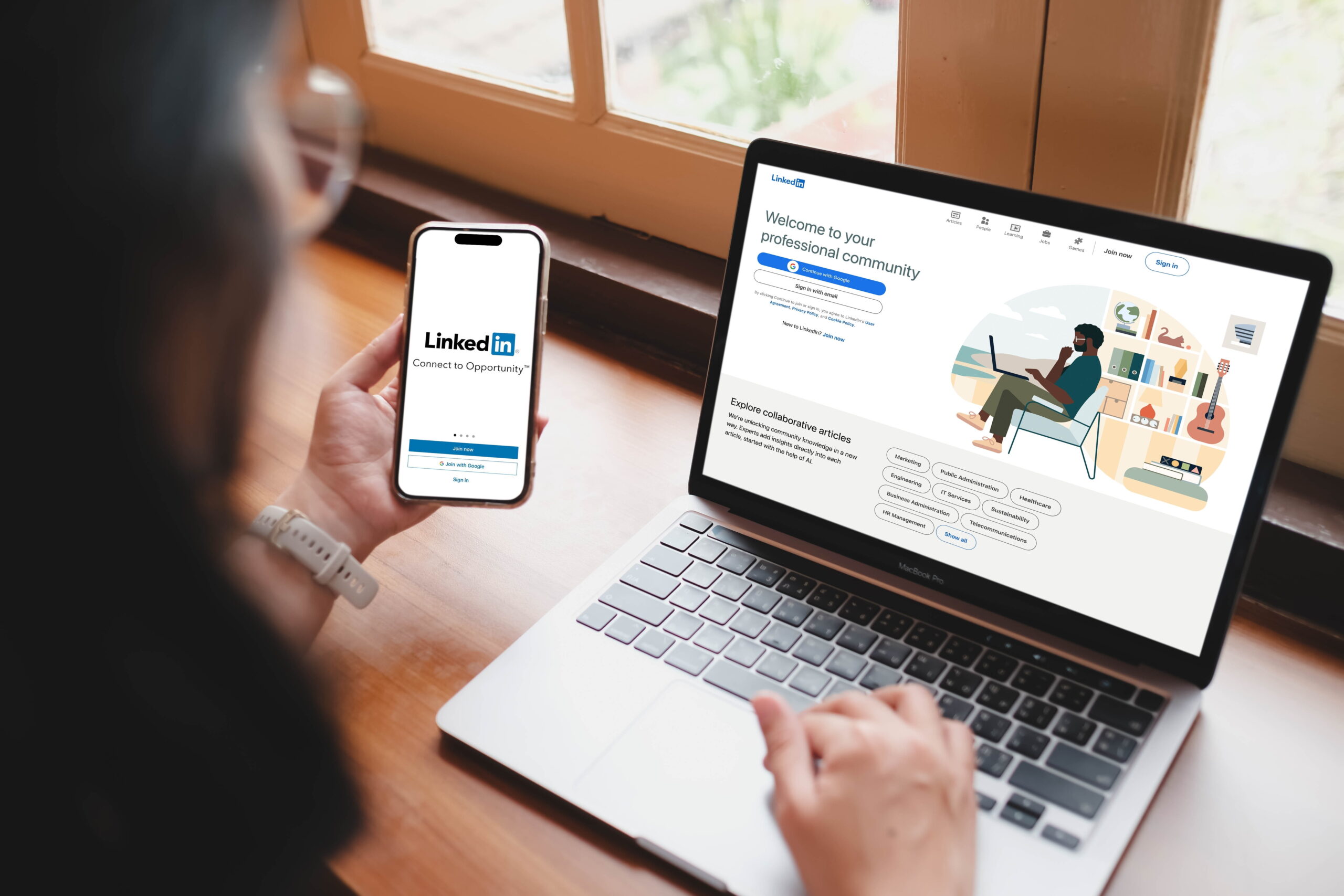
Learning how to create a LinkedIn profile as a voice actor is a crucial skill, whether you’re an experienced voice actor or just starting your career.
At Voice123, where you can get booked for voice over jobs, we know the importance of having a profile that highlights your skills as a voice actor.
In this post, we’ll explore how to create a LinkedIn profile, how to improve your LinkedIn profile, how to post on LinkedIn, and how to use LinkedIn for job search in the voice over industry.
Table of Contents
How to create a LinkedIn profile as a voice actor
How to improve your LinkedIn profile
How to post on LinkedIn
How to use LinkedIn for job search in voice over
How to create a LinkedIn profile as a voice actor
To create a LinkedIn profile as a voice actor, start by clearly communicating your voice over skills, showcasing your experience, highlighting your samples, and including the right contact information.
- Use a professional headshot.
- Write a keyword-rich headline.
- Create a client-focused About section.
- Showcase your voice acting experience.
- Upload portfolio samples.
- Add relevant voice over skills.
- Connect with producers, agencies, and marketers.
- Stay active by sharing valuable content.
- Link to your complete Voice123 profile so clients can hear your demos and book you.
Let’s break down each one in more detail.
How to create a professional LinkedIn profile
First impressions matter, especially in an industry built on trust.
Choose a recent, high-quality headshot that looks approachable and professional. Your personal branding should feel polished without looking overly corporate.
How to create a LinkedIn account with the right headline
A headline like Voice Actor doesn’t tell clients much.
Instead, your headline should immediately explain what you do and who you help.
For example:
Commercial Voice Actor | Conversational Brand Voice | eLearning & Corporate Narration
Or:
Professional Voice Actor | Podcast Intros | Explainer Videos | Character Voices
How to improve your LinkedIn profile’s About section
Answer real questions that the client will ask:
- What types of projects do you specialize in?
- What makes your voice unique?
- How quickly can you deliver?
- What industries do you work with?
- Do you have a professional recording studio?
- What can clients expect when working with you?
How to create a LinkedIn account without work experience
If you’re just starting out as a voice actor, remember that your LinkedIn profile doesn’t need Fortune 500 companies to look professional.
Think about all the voice over work you’ve completed, including:
- Student films
- YouTube channels
- Podcast intros
- Independent games
- Local commercials
- Community projects
- Volunteer recordings
- Self-produced demo work
- Freelance projects
As your career grows, your LinkedIn profile becomes a timeline of your professional development.
How to create a professional LinkedIn profile with samples
LinkedIn allows you to add videos, featured links, presentations, and media to your profile. Use these features to highlight your best voice over samples like:
- Commercials
- Character reels
- Corporate narration samples
- Podcast intros
- Explainer video clips
- Animation performances
- Audiobook excerpts
Then, include a link to your Voice123 profile.
While LinkedIn introduces potential clients to your professional background, Voice123 lets them explore your complete portfolio and book you directly for voice over work.
How to improve your LinkedIn profile
Learning how to improve your LinkedIn profile is an ongoing process. So, here are some tips:
- Refresh your headline to share your voice over specialties.
- Update your About section as your experience and niches evolve.
- Add new voice over projects to demonstrate recent experience
- Replace older demos with recent voice samples that represent the work you want to book.
- Request recommendations from satisfied clients after completing projects.
- Showcase testimonials to make your voice actor LinkedIn profile stand out.

How to post on LinkedIn
The key to learning how to post on LinkedIn as a voice actor is to focus on creating content that demonstrates skill over service.
Share behind-the-scenes photos of your home studio, completed projects, voice acting techniques, or quick voice acting tips.
Aim to post once or twice a week and engage with other voice actors and clients by commenting on their content. Consistent posting helps improve your visibility in LinkedIn’s algorithm and keeps your LinkedIn profile for voice actors active.
How to use LinkedIn for job search in voice over
Knowing how to use LinkedIn for job search can help you find unique voice over opportunities like freelance voice over work.
Search terms like voice actor, voice over artist, narrator, audio producer, or eLearning narration. Following companies in advertising, gaming, animation, podcasting, and corporate training can also help you discover upcoming projects.
Add your Voice123 profile to your LinkedIn account
Many people use these terms interchangeably, but they serve different purposes.
Recording software captures and edits your voice.
Editing software lets you trim mistakes, remove noise, and prepare files for delivery.
Audio mixing software balances multiple tracks, adjusts EQ, compression, music, and sound effects to create a polished final production.
For most voice actors, recording and basic editing are the priorities. Unless you’re producing podcasts, radio commercials, or full audio productions, you probably won’t need advanced mixing tools.
Conclusion
Learning how to create a LinkedIn profile as a voice actor isn’t just about filling in profile sections—it’s about building a professional brand that helps you connect with clients who hire voice actors every day.
Ready to turn LinkedIn connections into voice over clients?
Create your Voice123 profile today to increase your visibility and start booking more voice over work.
FAQs
A good LinkedIn profile includes a professional photo, a keyword-rich headline, a client-focused About section, relevant experience, portfolio samples, endorsements, and regular activity.
The 5-3-2 rule is a LinkedIn content strategy, explaining how to post on LinkedIn. Share five pieces of content, comment on three posts from other creators, and post two pieces of original content.
LinkedIn allows people to have one personal profile. You can showcase multiple voice over skills in one profile, and if you run a separate business, you can create a separate LinkedIn Company Page.

How to get into voice acting
Welcome to the Voice over Guide, where we’ll offer educational resources
on how to get into voice acting and establish your voice over business, for free.