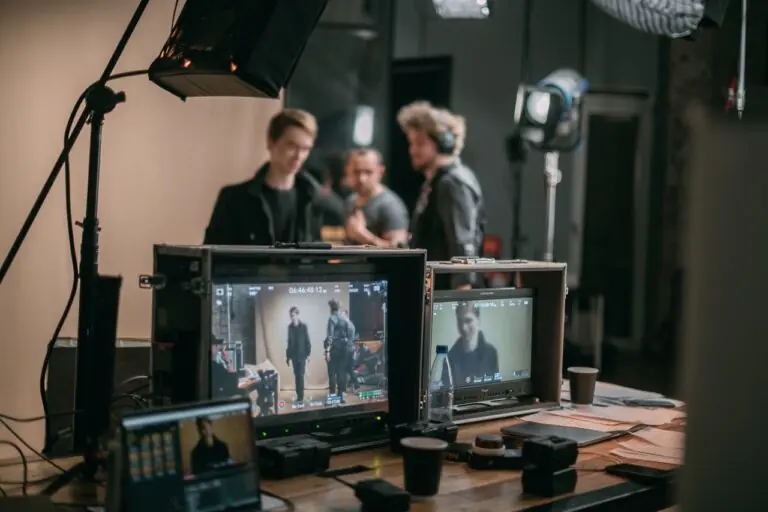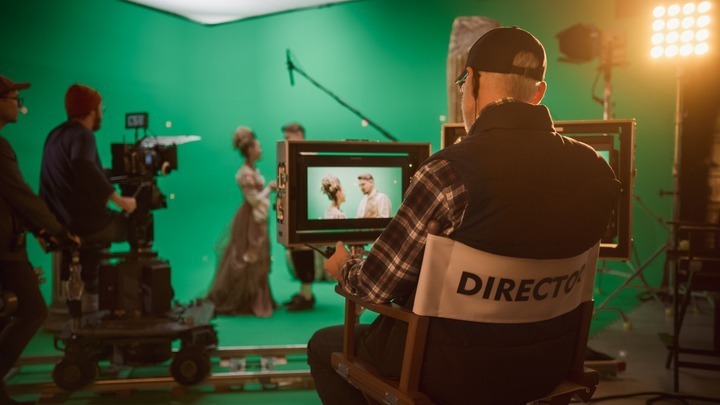
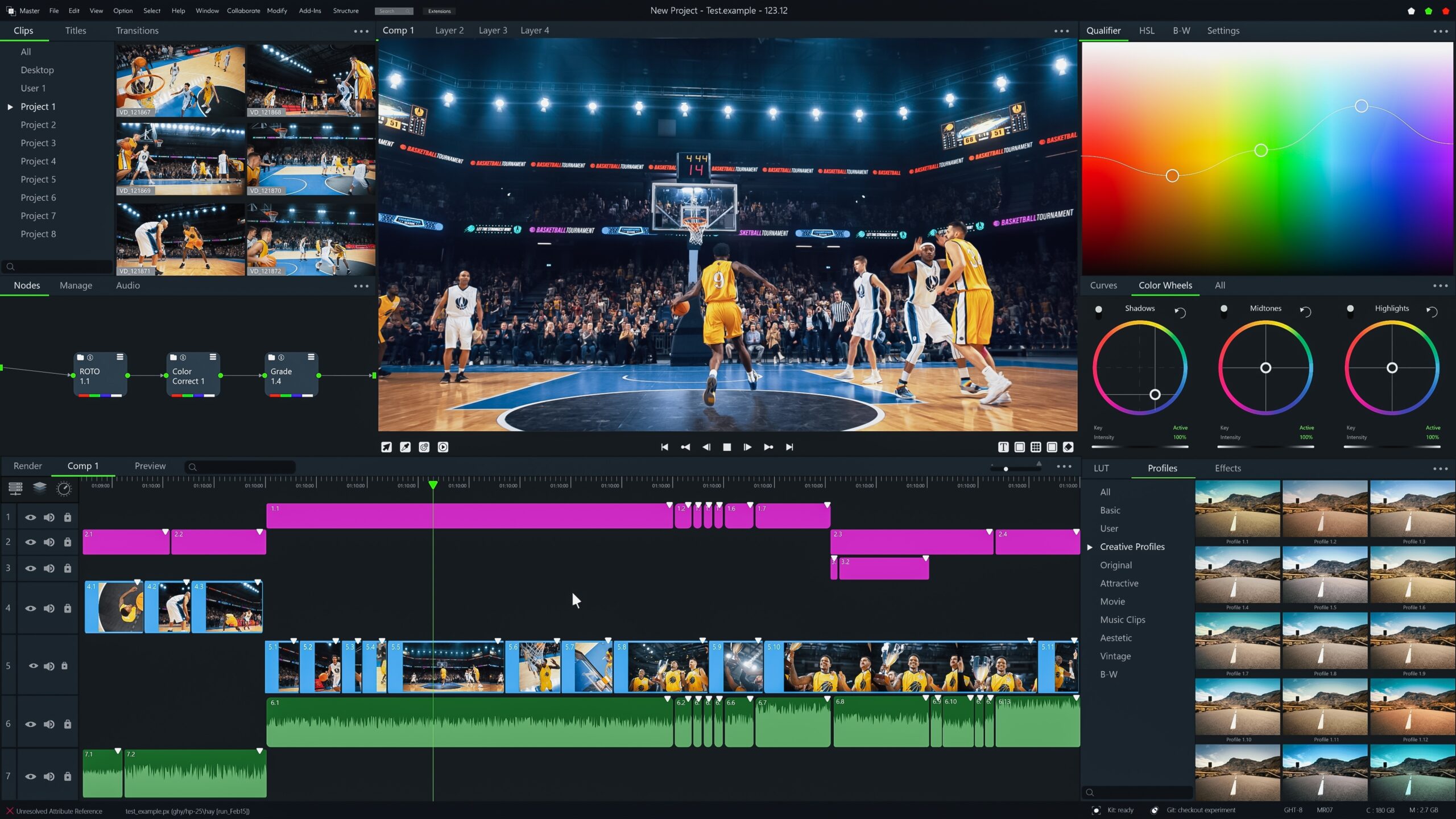
Why is it so important to have a good set of video editing tips to follow? According to a study by Synthesia, people spend almost seven hours a day online watching videos. At Voice123, we’ve worked with thousands of video producers, editors, and video marketing professionals. So in this post, we’ll share video editing tips for social media and film editing, so you can learn how to edit a video in just a few minutes!
What is video editing?
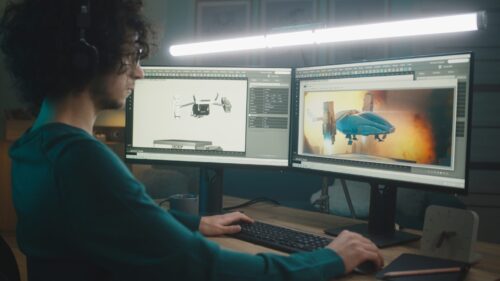
Video editing is how raw footage is transformed into a polished, story by selecting the best shots, arranging them, and enhancing them with sound, effects, and pacing. In traditional film editing, the goal is often to be invisible. Cuts are designed to go unnoticed, guiding the audience seamlessly through time and space without drawing attention to the process.
When it comes to social media videos, editing is part of the entertainment itself. Bold transitions, text overlays, and flashy jump cuts are what keep viewers engaged on platforms like TikTok, Instagram Reels, and YouTube Shorts. These video effects are often the hook that keeps people from scrolling past.
Every form of video editing comes down to balancing rhythm, sound, and structure. Here are some video editing tips on how to do that.
10 Video editing tips for any project
1. Edit the story first, style second
Before you add transitions, animations, or flashy filters, make sure your edit communicates the story clearly. Ask yourself: If I stripped all effects away, would the story still work? If the answer is yes, you’re on the right track.
2. Only work with the best takes
First, review your footage and pull the best takes into a “selects” reel. This saves you from sifting through bad shots later and makes film editing much faster.
3. Edit around your audio
If you’ve got a voice over or music soundtrack, ensure that you’re editing to match the audio. Sync transitions to the beat and dial back the effects during voice over narrations.
4. Master L- and J-cuts
A J-cut is when audio from the next scene starts before the video and an L-cut is when audio continues after the video changes. These cuts smooth transitions and make conversations feel natural.
5. Avoid unnecessary cuts
Every cut must have intent. Edit if the action demands it, when the emotion shifts, or if you’re introducing new information.
6. Apply color correction and grading
Always color-correct first to balance exposure, contrast, and white balance. Once shots match each other, apply creative grading to set the right tone
7. Mix your audio like a pro
Keep dialogue between -6 and -12 LUFS integrated, duck music under speech, and add subtle effects to make transitions seamless. Always use headphones to catch small audio glitches.
8. Start with a tight timeline
Eliminate mistakes and average performances immediately. The tighter your timeline, the easier it is to refine pacing.
9. Design for silence
According to CDA Academy, over 80% of mobile users watch videos on mute, so add captions, kinetic text, and strong visuals. But always add music to make your video impactful.
10. Template your workflow
Save presets for titles, lower thirds, EQ, transitions, and export settings. This not only speeds up video editing but also ensures brand consistency across projects.
How to edit a video for different types of projects
Film editing tips for directors and producers
When it comes to film editing, the goal is to create emotional impact, not just polished footage. These tips are rooted in classic video editing techniques that filmmakers have used for decades to build suspense, clarity, and emotional depth.
1. Scene architecture: Build emotional arcs
Don’t just assemble shots in order—design each sequence with a beginning, middle, and end. This creates emotional arcs that mirror the story’s flow. This kind of video editing makes moments feel cinematic rather than flat.
2. Cut on action for seamless continuity
A staple of film editing is hiding cuts inside movement. When a character reaches for a glass, cut mid-motion to a different angle. This trick makes scenes fluid and keeps viewers immersed in the story world.
3. Montage & cross-cutting for tension
Montage compresses time, which is perfect for training sequences or travel. Cross-cutting, on the other hand, jumps between two simultaneous events to build suspense. These video editing techniques keep viewers on edge and emotionally invested.
4. Match cuts & motivated camera moves
A match cut uses visual similarity to transition between shots, like a door closing might cut to a sunset. Pairing this with motivated camera moves (camera follows what the audience expects to see) creates elegant film editing that feels purposeful.
5. Use ADR & sound design for realism
Even the best visuals fall apart without strong sound. Replace noisy dialogue with ADR (automated dialogue replacement), layer foley effects like footsteps or rustling, and enhance scenes with ambient audio.
Voice123 offers thousands of professional voice actors who offer additional audio and video editing services so you can complete your project all on one platform with one freelancer!
Video editing tips for social media
Video editing tips for social media are completely different from film editing because the pace is faster, the visuals bolder, and the audience’s attention span shorter. Here’s how to apply smart video editing tips to each platform.
How to edit videos on YouTube that keep viewers engaged
- Hook in 5 seconds. Solve a problem, ask a bold question, or tease a surprising result right away. On YouTube, the algorithm favors videos that hold attention past the first 30 seconds.
- Chapter your timeline. Break longer videos into sections with text markers. This improves viewer retention and helps with search rankings.
- Pattern interrupts. Add B-roll, graphics, or zooms every 5–10 seconds. This prevents “visual fatigue” and mirrors how the best YouTube video editors cut content.
- Optimize audio clarity. Viewers will forgive shaky visuals, but they’ll leave instantly if they can’t hear your voice over. Clean audio is a must.
- CTAs that feel natural. Instead of saying “like and subscribe,” tie calls-to-action to benefits (“Subscribe so you don’t miss next week’s free tutorial”).
What do YouTubers use to edit videos?
If you’re wondering what do YouTubbers use to edit videos, here’s the quick answer: Professionals use tools on Adobe Premiere Pro, Final Cut Pro, or DaVinci Resolve.
Beginners often start with the built-in YouTube video editor for trimming and blurring. And if you’re wondering how to edit videos on YouTube, it’s possible directly in-platform, but serious content creators often use pro video editing software for more flexibility.
TikTok video editing tips that move the needle
- Vertical 9:16 first. TikTok is designed for mobile, so always frame with a vertical-first mindset. Cropped widescreen footage rarely performs as well.
- Beat-synced cuts. Trending audio drives visibility. Cut clips exactly on the beat for maximum shareability.
- On-screen captions. Since 80%+ of TikTok videos are watched without sound, adding captions is one of the most important TikTok video editing tips.
- Jump cuts with intent. Use fast cuts to emphasize humor, insight, or surprise to match the style of TikTok pacing.
- Native text & effects. Embrace TikTok’s own editing tools (like stickers, text overlays, or effects). The algorithm favors native content that showcases the TikTok tools.
Choosing video editing software
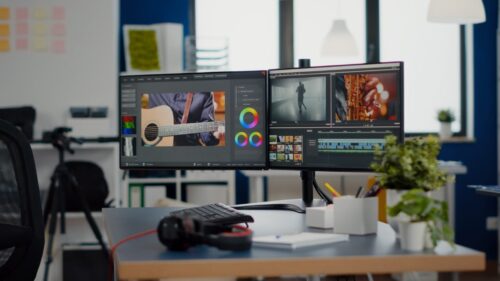
Your video editing software shapes how efficiently you can work and how professional your final output looks. Here are the top picks:
- Adobe Premiere Pro – Industry standard, integrates with After Effects, ideal for YouTubers and filmmakers alike.
- Final Cut Pro – Extremely fast video editing software on Apple silicon, intuitive for creators who want power without steep learning curves.
- DaVinci Resolve – The king of color grading with a free full-featured version. Perfect for cinematic film editing.
Pro tip: Create export presets tailored to each platform (YouTube, TikTok, Instagram). This ensures each video editing project automatically gets the right bitrate, codec, and audio leveling, saving hours and avoiding re-uploads.
How much do editors make?
Here’s a quick breakdown of how much do editors make:
- Freelance video editors – According to ZipRecruiter, they earn $25–$75/hour in the U.S. Beginners handle social media edits at lower rates, while pros using advanced video editing software can reach $100+/hour.
- Agency and corporate editors – Salaries usually range $50,000–$80,000/year with benefits. Senior editors and post supervisors can earn up to $120,000 depending on location and experience.
- Film and television editors – Experienced union editors earn $120,000–$250,000 annually on studio projects. Strong storytelling and advanced film editing techniques help secure top-tier jobs.
- Factors influencing pay – Speed, organization, and experience affects the rates of video editors. Specialized skills like motion graphics, color grading, or sound design can justify higher rates.
Final thoughts
Editing is where your footage finds its voice. Combine clean video editing techniques with a great voice over and you’ll boost retention, comprehension, and conversions.
When you’re ready to edit the next viral sensation, hire a voice actor on Voice123 to deliver a voice over and edit your video, or use Voice123 Enterprise for complete project management.
FAQs
Spend 20% of your time capturing and 80% refining the story. The most impact comes from a small set of decisive video editing tips like clean cuts, clear sound, strong structure.
Start with story beats, cut for clarity, mix dialogue above music, color-balance, and design for silence with captions. If you’re asking how to edit a video from scratch, build a select reel, add a voice over, effects, soundtracks, and finalize.
It’s a backup technique: three copies on two different storage mediums and one off-site/cloud. Pair it with versioned project files, and you’ll always have a backup.
The seven video editing techniques are: story first, motivated cuts, screen direction/continuity, rhythmic pacing, shot variety, sound leads picture, and audience clarity.